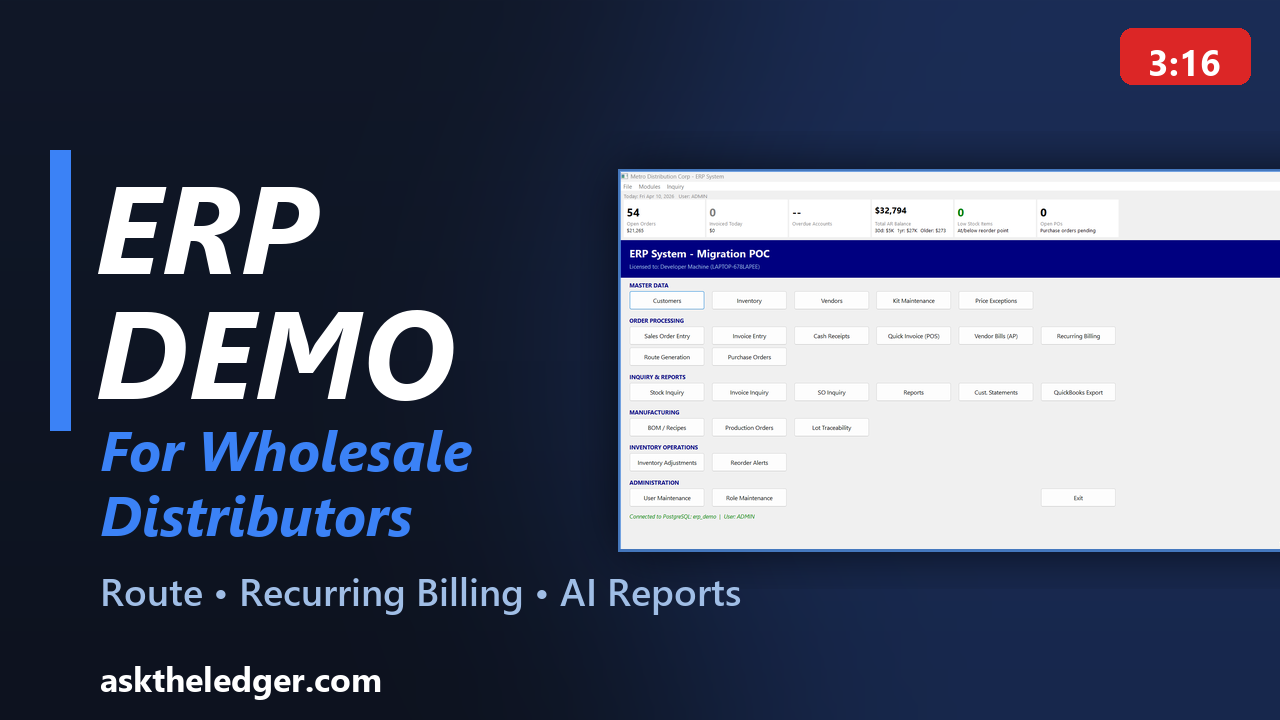
Watch the 3-minute product walkthrough above, then request a live demo tailored to your workflow. Watch with chapters and full transcript →
See a practical walkthrough focused on distributor workflow, not generic software slides.
Watch the 3-minute product walkthrough above, then request a live demo tailored to your workflow. Watch with chapters and full transcript →
The live demo covers order-to-cash operations, customer and item workflows, and reporting with your priorities in mind.
We show how teams can ask business questions in plain language and use results for faster operational decisions.
Review route generation workflows, delivery-ready outputs, and practical document handling for field teams.
See how recurring templates and due-invoice processing reduce AR errors and manual billing delays.
See how your customers can browse your catalog, view their pricing, check stock availability, and place orders online 24/7. Web orders flow directly into your sales order queue for approval and fulfillment.
Walk through the touch-friendly POS interface with multi-location support, store favorites, and booth mode for events. See per-location sales tracking and reporting.
Review the full procurement cycle: vendor profiles, purchase order creation, goods receiving, and vendor bill tracking. See how inventory updates automatically on receipt.
See how six built-in roles control access across the entire system. From Admin with full access to View-Only for reporting, every screen respects the logged-in user's permissions.
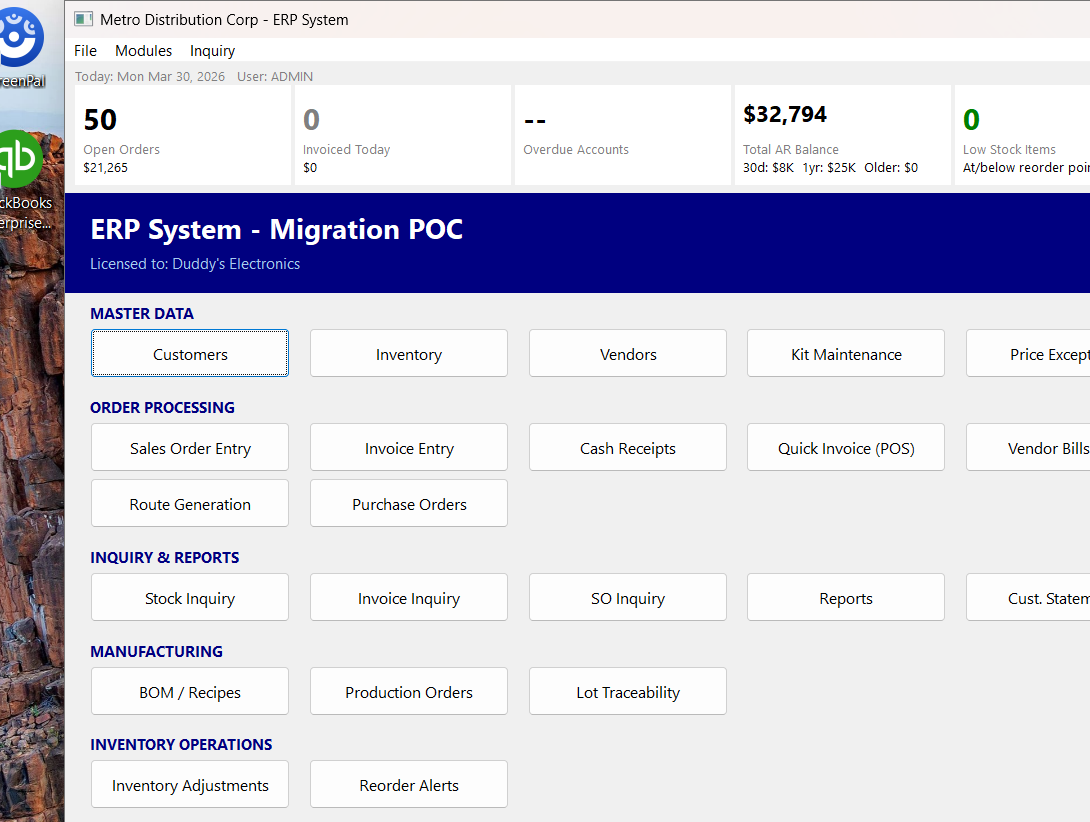
Main Dashboard
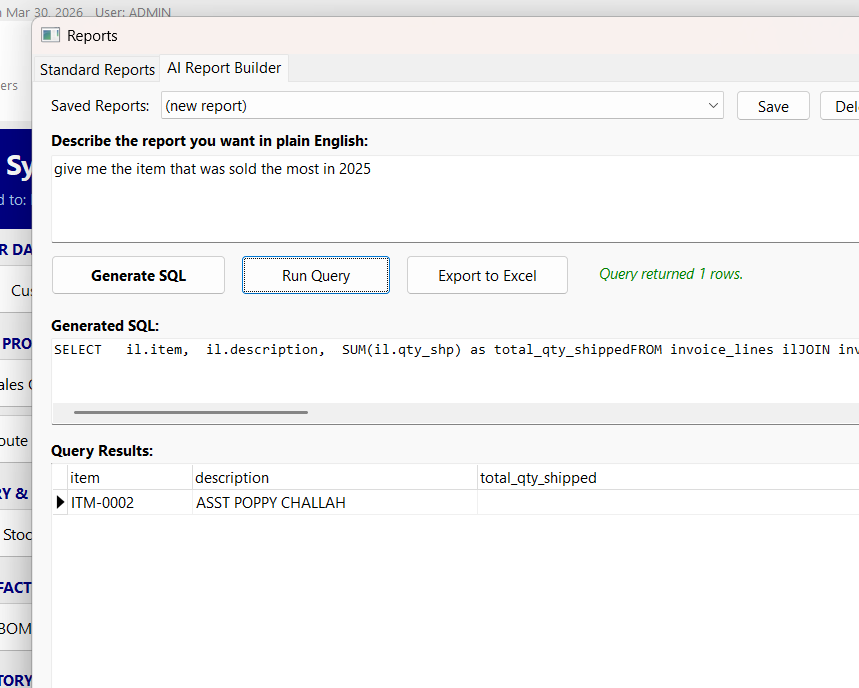
AI Report Builder

Sales Order Processing
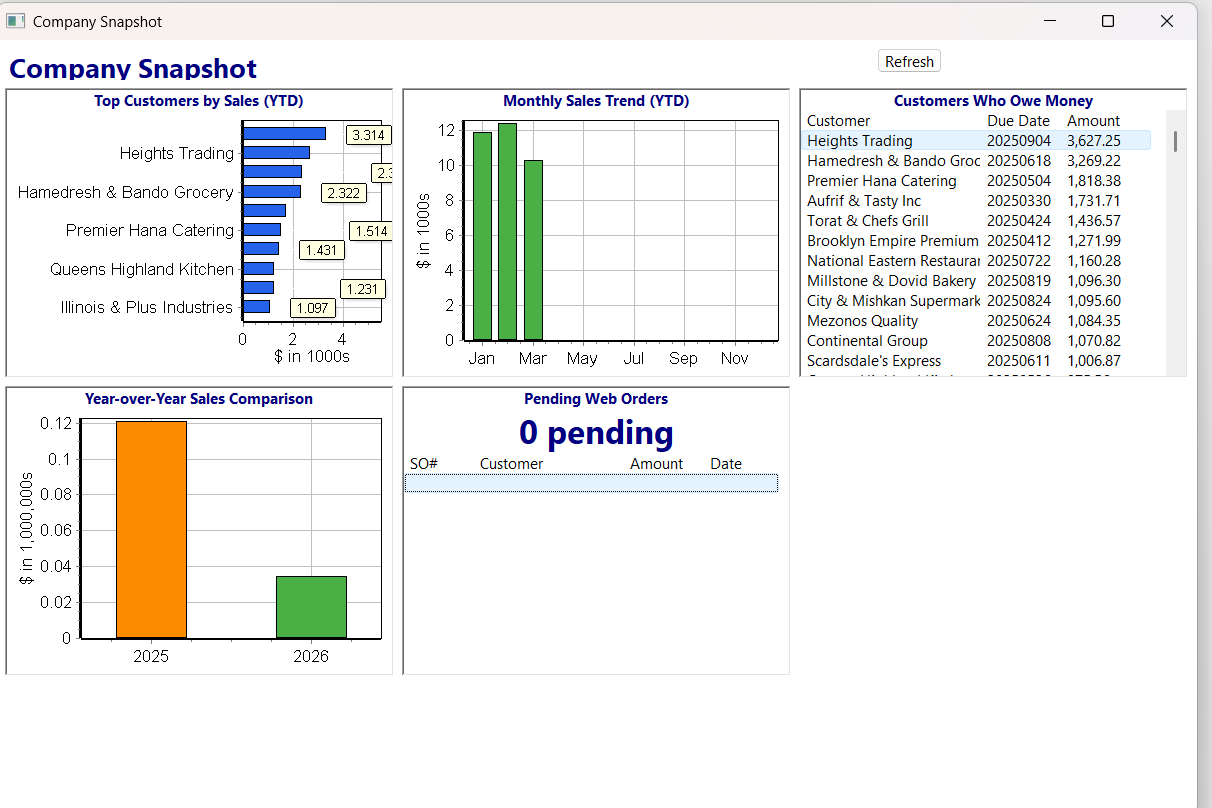
Company Snapshot Dashboard
Before scheduling, you can review on-premise ERP, ERP for distributors, route delivery software, and recurring billing ERP.
Bring sample workflows, current bottlenecks, and the outcomes you want to improve first.
Most demos are concise and focused, with enough time for role-specific questions.